Looking to learn how to activate PC Mobile eSIM in Canada? You’re in the right place. This guide shows you exactly how to set up your PC Mobile eSIM step-by-step on both iPhone and Android phones. You’ll learn how to get your QR code, activate your plan, and start using Bell’s powerful 4G/5G network within minutes. No waiting, no SIM swaps, and no store visits needed.
PC Mobile eSIM makes connecting easier, faster, and greener, perfect for Canadians who want flexibility without the plastic SIM. Whether you’re switching from another provider or setting up a new line, this guide has everything you need to get connected easily.
You can also visit the official PC Mobile Website to explore plans, devices, and account options.
If you’re still comparing carriers, check out our main pillar post eSIM Canada: Best Providers, Setup & Guide for Travelers & Locals to see how PC Mobile stacks up before you activate.

Why Choose PC Mobile eSIM in Canada?
If you’re wondering how to activate PC Mobile eSIM in Canada, these are the main benefits you’ll enjoy.
- Instant activation with no waiting for a SIM card to arrive
- Reliable 4G/5G coverage powered by Bell’s nationwide network
- Eco-friendly and 100% digital, no plastic waste
- Works with prepaid and postpaid plans
- Supports dual SIM setups for work, travel, or business lines
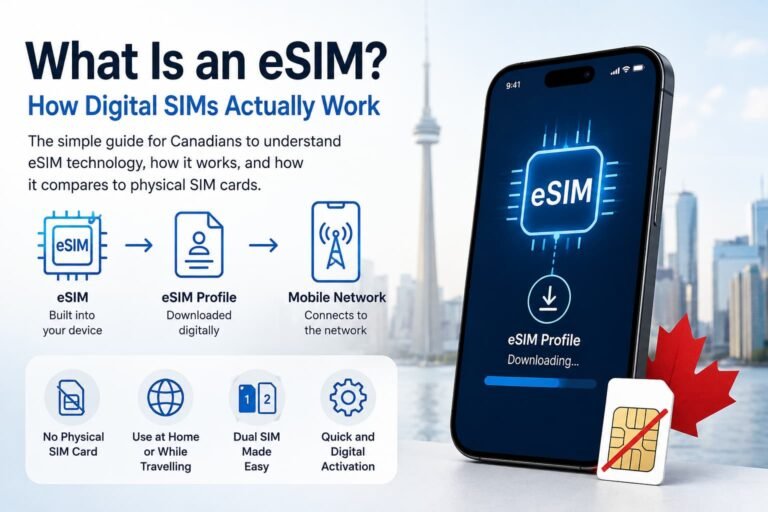
What Is an eSIM and How Does It Work?
Basically, an eSIM (embedded SIM) is a tiny built-in chip that works just like a regular SIM card, but it’s digital. Instead of inserting or swapping a card, you simply scan a QR code or download your carrier’s profile to connect to the network. It lets your phone securely store multiple carrier profiles, making it easier to switch between providers, activate new plans quickly, and stay connected whether you’re in Canada or traveling abroad.
Why Canadians are switching to eSIMs:
- You can store multiple carriers on one phone
- Setup is instant and contactless
- Environmentally friendly with no plastic or shipping
- Easier to switch between providers or travel plans
- Perfect for dual SIM users for work and travel
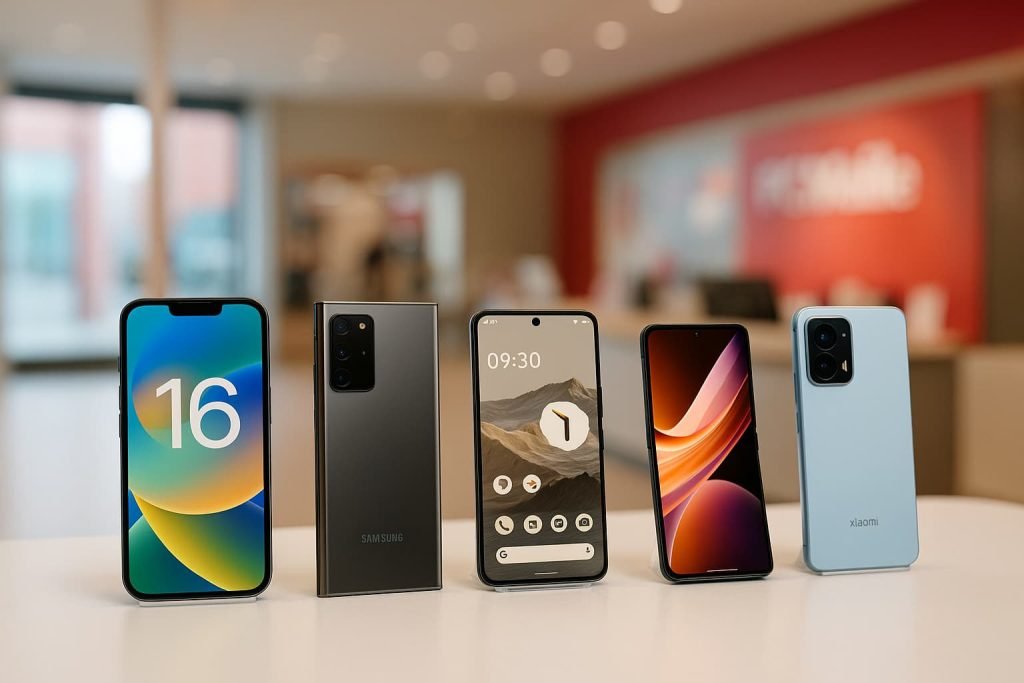
PC Mobile eSIM Compatible Devices in Canada
Here’s a quick look at which phones work with PC Mobile eSIM in Canada.
iPhone (Dual SIM Supported)
Most modern iPhones support eSIM, so if you’ve upgraded in the last few years, you’re good to go:
- iPhone 16, 15, 14, 13, 12, 11 series
- iPhone XS, XR, SE (2nd gen and newer)
Android Phones
Many Android phones also support eSIM, especially the latest Samsung, Google, Motorola, and Xiaomi models available in Canada. Here’s a look at some of the most common models:
- Samsung Galaxy S25, S25+, S25 Ultra, S24, S24+, S24 Ultra, and S23 Series
- Samsung Galaxy Z Flip and Z Fold models (2020 and newer)
- Google Pixel 10 Pro, Pixel 9, Pixel 8, Pixel 7, Pixel 6, and Pixel 5 Series
- Motorola Razr 40, Razr 5G, Edge 40 Pro, and newer
- Xiaomi 14, 14 Ultra, 13, 13T Pro, and 12 Series
- OnePlus 11, 12, and Nord N30 5G
- Nothing Phone (2) and (3)
Pro Tip: Pro Tip: If you don’t see the eSIM option in your settings, make sure your phone’s software is updated to the latest version and that your device is unlocked.
If you’re not sure whether your phone supports eSIM, you can contact PC Mobile’s customer service team for help at 1-87-PCT-INFO-1 (1-877-284-6361) or visit the PC Mobile Contact Page for online assistance.
What You Need Before Activating Your PC Mobile eSIM
Before you start the process of activating your PC Mobile eSIM in Canada, make sure you have:
- An unlocked, eSIM-compatible smartphone
- A stable Wi-Fi or data connection
- An active PC Mobile account
- Your PC Mobile QR code or activation details
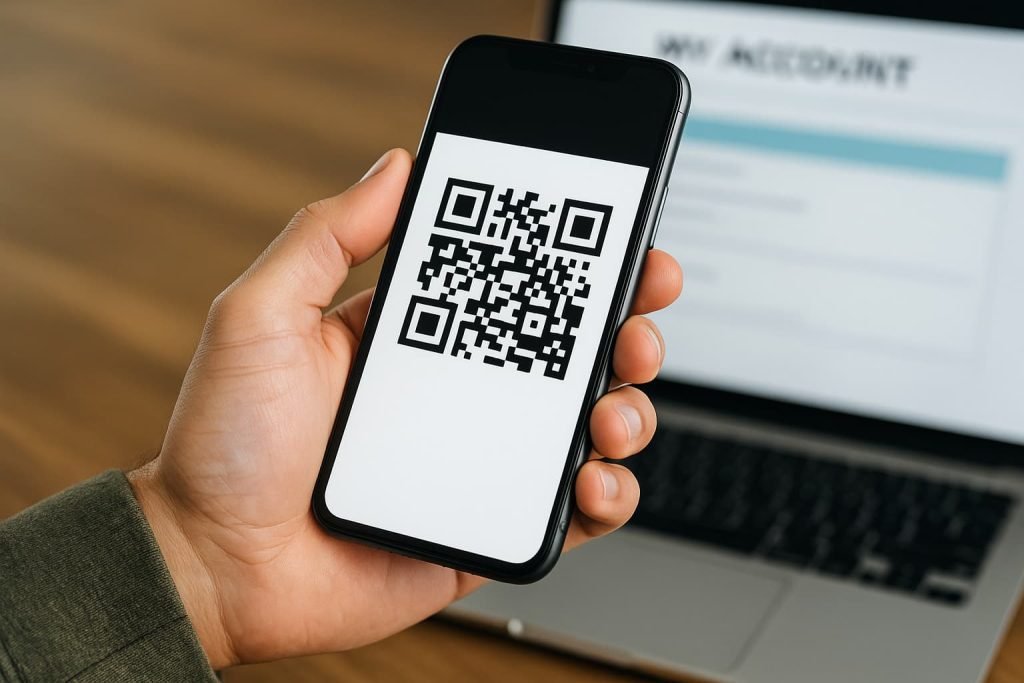
How to Get Your PC Mobile eSIM QR Code
You can request your QR code in three ways:
1. Online:
Visit the PC Mobile activation page and select Activate eSIM. Log in or create an account to receive your QR code by email.
2. My Account App:
Open the PC Mobile app, tap Set Up eSIM, and follow the on-screen prompts.
3. In-Store:
Visit any PC Mobile kiosk or Loblaws-affiliated store and ask for an eSIM. Staff can help you activate it on the spot.
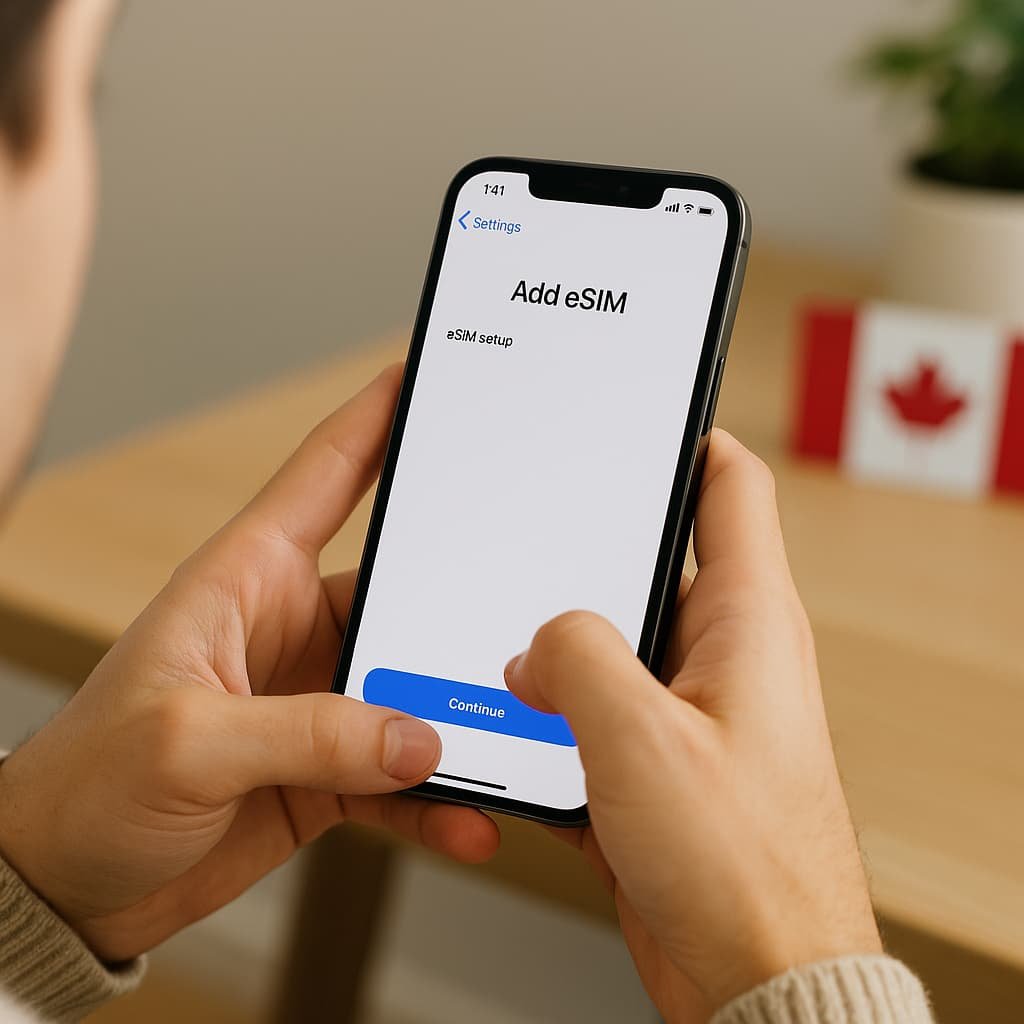
How to Activate PC Mobile eSIM in Canada on iPhone (Step-by-Step)
If you activated online or through the app, you may receive a setup notification. Tap it to begin. Otherwise, follow these manual steps:
- Make sure your iPhone is running iOS 13 or newer and connected to Wi-Fi.
- Go to Settings → Cellular → Add eSIM (or Add Cellular Plan).
- Choose Use QR Code and scan your PC Mobile QR code.
- If entering manually, use this Activation Address (SM-DP+): bmc.prod.ondemandconnectivity.com
- Label your line “PC Mobile” (helpful for dual SIM users).
- Restart your phone if prompted.
Need visual help? Check our detailed guide: How to Activate an eSIM in Canada: Step-by-Step Guide for iPhone Users
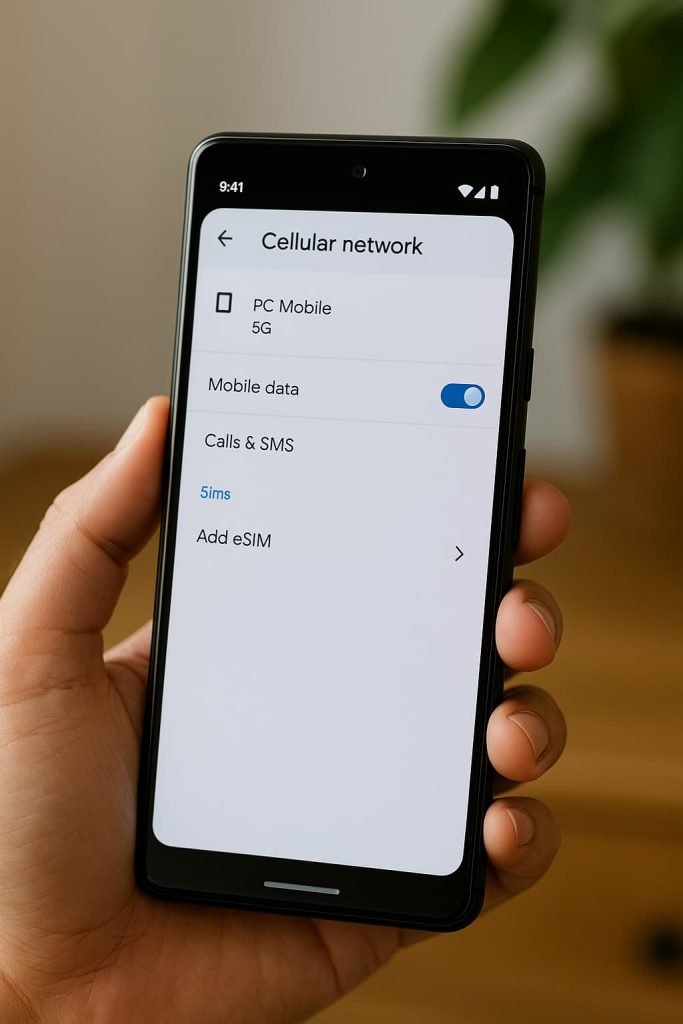
How to Activate PC Mobile eSIM in Canada on Android (Step-by-Step)
If your phone doesn’t prompt setup automatically, follow these steps:
- Make sure your device is on Android 12 or newer and connected to Wi-Fi.
- Go to Settings → Connections → SIM Manager → Add eSIM (Samsung) or Settings → Network & Internet → SIMs → Add eSIM (Pixel).
- Tap Scan Carrier QR Code and scan your PC Mobile code.
- If entering manually, type the Activation Address (SM-DP+): bmc.prod.ondemandconnectivity.com
- Label your line “PC Mobile.”
- Restart your device after setup.
Need more guidance? Read our Android guide: Activate eSIM on Android Canada: Step-by-Step Setup Guide
Pro Tips for a Smooth Activation
Follow these tips to ensure your PC Mobile eSIM activation goes smoothly.
- Make sure your phone is unlocked and updated; locked devices can block eSIM activation.
- Use a strong Wi-Fi connection during setup to avoid connection errors.
- Save your QR code somewhere safe; you’ll need a new one if you reset or replace your device.
- Be patient during activation; eSIM downloads can take a few minutes.
- Restart your phone or toggle airplane mode if setup doesn’t start automatically.
- Don’t remove your physical SIM until data and calls work on your eSIM.
- If you’re traveling, consider adding a travel eSIM for cheaper data abroad.
- If activation fails, delete the eSIM profile and reinstall it using the same QR code or contact PC Mobile support.
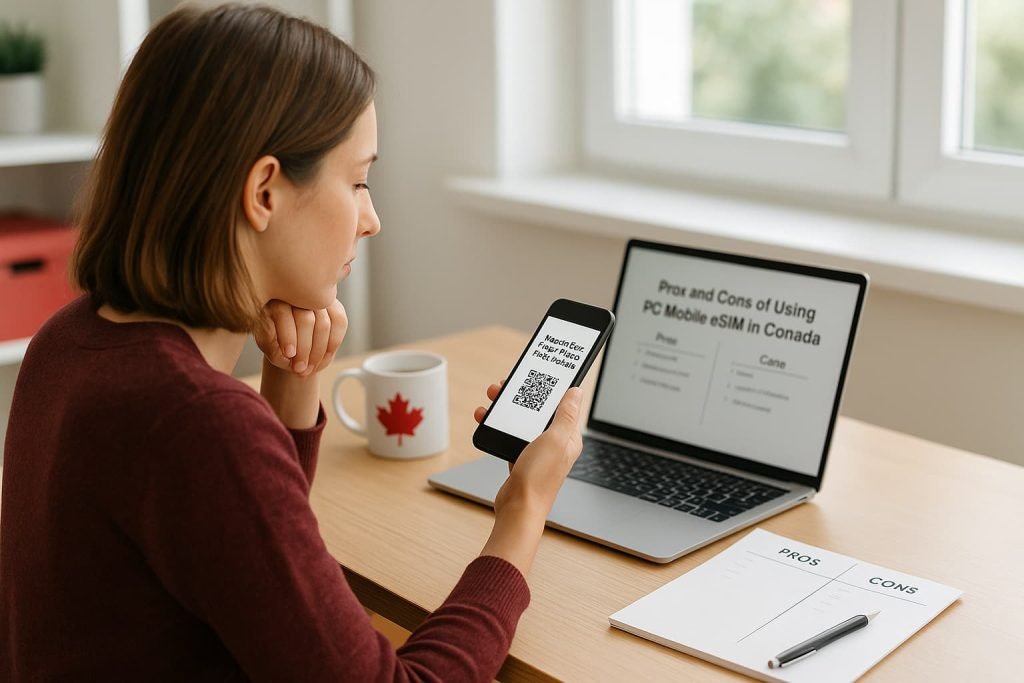
Pros and Cons of Using PC Mobile eSIM
Pros
- Instant digital activation
- Reliable Bell-backed coverage
- Works with prepaid and postpaid plans
- Eco-friendly, paperless setup
- Great for dual SIM and travel
Cons
- QR code is single-use and must be reissued when switching devices
- Some users may need in-store assistance
- Not supported on older or locked phones
Frequently Asked Questions About How to Activate PC Mobile eSIM in Canada
Here are some of the most common questions people ask about how to activate PC Mobile eSIM in Canada.
Can I activate my PC Mobile eSIM online?
Yes! You can activate your PC Mobile eSIM online through your My Account portal or the PC Mobile app. Once your plan is active, just scan the QR code or follow the on-screen setup prompts on your phone.
What do I need before activating my PC Mobile eSIM?
Make sure you have:
• An unlocked, eSIM-compatible phone
• A stable Wi-Fi connection
• Your PC Mobile QR code or the activation address: bmc.prod.ondemandconnectivity.com
How do I set up my PC Mobile eSIM on iPhone?
Go to Settings > Cellular > Add eSIM (or Add Cellular Plan) and scan your PC Mobile QR code. Follow the prompts to complete setup. You can also check our iPhone eSIM Setup Guide.
How do I set up my PC Mobile eSIM on Android phones?
Go to Settings > Network & Internet > SIMs > Add eSIM (or Connections > SIM Manager, depending on your brand). Then scan your PC Mobile QR code and follow the prompts. You can also check our Android eSIM Activation Guide.
Can I use the same QR code more than once?
No, QR codes are single-use. If you switch or reset your device, you’ll need a new QR code from PC Mobile.
What happens to my physical SIM after switching to eSIM?
Once your eSIM is active, your physical SIM will deactivate automatically. You can remove it, but it’s best to keep it as a backup.
Will my phone number and plan stay the same?
Yes, your number, plan, and features (like voicemail and caller ID) all transfer easily when you activate your eSIM.
Can I keep my number if I switch from another provider?
Yes! Just reply YES to the text message from your previous carrier to confirm the transfer when prompted. This ensures your number moves successfully to PC Mobile.
How can I get my PC Mobile eSIM QR code in Canada?
You can request your QR code in three ways:
1. Online:
Visit the PC Mobile activation page and select Activate eSIM. Log in or create an account to receive your QR code by email, or visit the official PC Mobile eSIM Setup Page for step-by-step instructions.
2. My Account App:
Open the PC Mobile app, tap Set Up eSIM, and follow the on-screen prompts.
3. In-Store:
Visit any PC Mobile kiosk or Loblaws-affiliated store and ask for an eSIM. Staff can help you activate it on the spot.
Does PC Mobile support both prepaid and postpaid eSIM plans?
Yes! PC Mobile eSIM works for both prepaid and postpaid users, giving you flexibility to choose the best plan for your needs.
Is there a cost for getting a PC Mobile eSIM?
No, PC Mobile provides eSIMs for free. You’ll only need an active plan and a compatible phone.
How do I fix it if my eSIM doesn’t activate?
Try restarting your phone, ensuring Wi-Fi is on, and scanning again. If it still doesn’t work, request a new QR code through PC Mobile Support or visit a store for help.
If you need additional assistance, you can reach PC Mobile’s customer support team by calling 1-87-PCT-INFO-1 (1-877-284-6361) or visit the PC Mobile eSIM Support Page for online help.
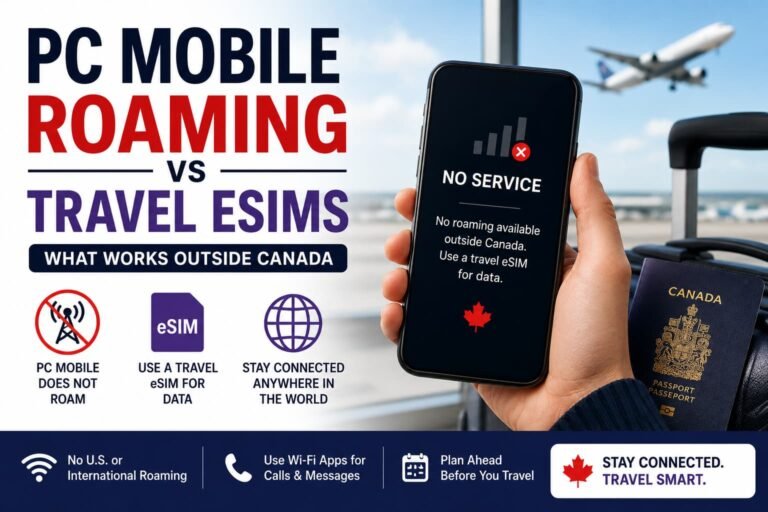
Can I use my PC Mobile eSIM while traveling?
Yes, but you’ll be subject to PC Mobile’s roaming rates. For cheaper international data, you can add a travel eSIM alongside your PC Mobile line. We recommend trying Holafly eSIM or Airalo eSIM for affordable global coverage and easy setup.
What’s the difference between a SIM card and an eSIM?
A SIM card is physical, while an eSIM is digital. With eSIM, you can activate service instantly without shipping or swapping cards, perfect for modern phones and frequent travelers.
Is PC Mobile eSIM reliable in Canada?
Yes! PC Mobile uses the Bell network, so you’ll get strong 4G/5G coverage across most of Canada with reliable speeds and call quality.
Related Guides from Our eSIM Canada Series
- How to Activate Bell eSIM in Canada
- How to Activate Virgin Plus eSIM in Canada
- How to Activate Lucky Mobile eSIM in Canada
- How to Activate Chatr Mobile eSIM in Canada
- How to Activate Koodo eSIM in Canada
- How to Activate Fido eSIM in Canada
- How to Activate Freedom Mobile eSIM in Canada
- How to Activate Public Mobile eSIM in Canada
Final Thoughts
Now that you know how to activate PC Mobile eSIM in Canada, you can stay connected instantly. Activating your PC Mobile eSIM is quick, eco-friendly, and backed by Bell’s dependable network. With instant setup and dual SIM support, it’s a smart, flexible choice for anyone who wants to stay connected without the hassle of physical SIM cards.
Still comparing plans? Check out our full guide, Compare Canadian eSIM Providers: The Ultimate 2025 Guide to Finding the Right Plan, to find the best eSIM for your budget and needs.