Ready to learn how to activate Koodo eSIM in Canada? Let’s walk through it together. This guide will show you everything step by step. From getting your QR code, to setting it up on iPhone or Android, and even switching from a physical SIM. Think of it as your go-to roadmap for making the switch to digital with Koodo.
Not sure if Koodo is the right option for you? Start with our complete eSIM Canada Plans Guide to compare all top providers before you activate.

Why Choose Koodo eSIM?
- No waiting for a SIM card in the mail
- Strong nationwide coverage on the Telus network
- Quick QR code activation
- Works with both prepaid and postpaid plans
- Great option for dual SIM setups (work + travel)
- Eco-friendly, no more plastic SIM cards
What is an eSIM and How is it Different from a SIM Card?
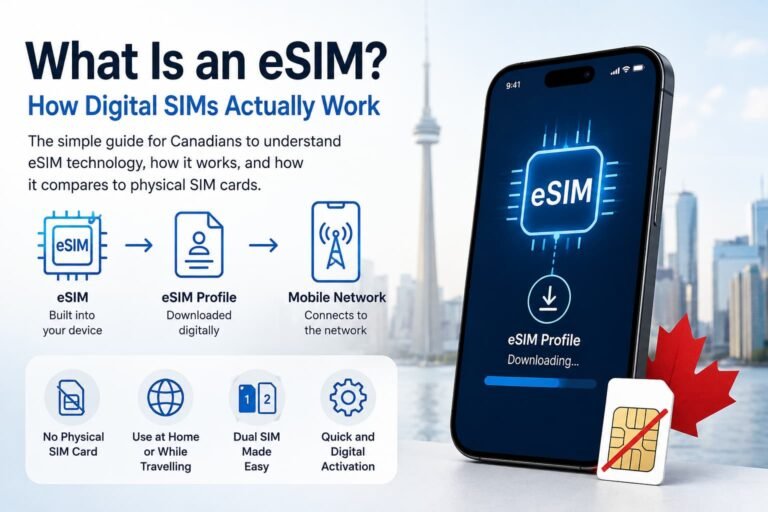
A SIM card is the small plastic chip you insert into your phone to connect to a carrier’s network. An eSIM (embedded SIM) does the same job but is built directly into your phone, with no physical card needed.
Here are the key differences:
- No plastic card. An eSIM is downloaded digitally instead of inserted.
- Multiple profiles. You can store more than one eSIM on your phone and switch between carriers.
- Instant setup. No waiting for mail delivery or visiting a store.
- Eco-friendly. No waste from plastic SIM cards.
- Device compatibility. Only newer smartphones support eSIM.
For Koodo customers, using an eSIM means faster setup, easier switching between plans, and the flexibility of using a travel eSIM alongside your Koodo line.
Supported Devices: Koodo eSIM Compatibility
iPhone (Dual SIM Supported)
- iPhone 15 series (15, 15 Plus, 15 Pro, 15 Pro Max)
- iPhone 14, 13, 12, 11 series
- iPhone XS, XS Max, XR
- iPhone SE (2nd gen and newer)
Pro Tip: Label your line ‘Koodo’ if using dual SIM so it’s easier to manage. These steps cover how to activate Koodo eSIM in Canada on iPhone, but if you want an even more detailed tutorial, check our full guide on How to Activate eSIM on iPhone in Canada.
Android
- Google Pixel 4a and newer (Pixel 4a, 5, 6, 7, 8 series)
- Samsung Galaxy S20, S21, S22, S23, S24 series
- Samsung Galaxy Z Flip & Z Fold (2020 onward)
- Motorola Razr 5G and newer
Pro Tip: If you don’t see the eSIM option, update your phone to the latest software version. You can also check out our complete guide on How to Activate eSIM on Android in Canada.
What You Need Before Activating Your Koodo eSIM
Before getting started with the steps on how to activate Koodo eSIM in Canada, make sure you have:
- An unlocked, eSIM-compatible phone
- A stable Wi-Fi connection
- A Koodo account or Self Serve login
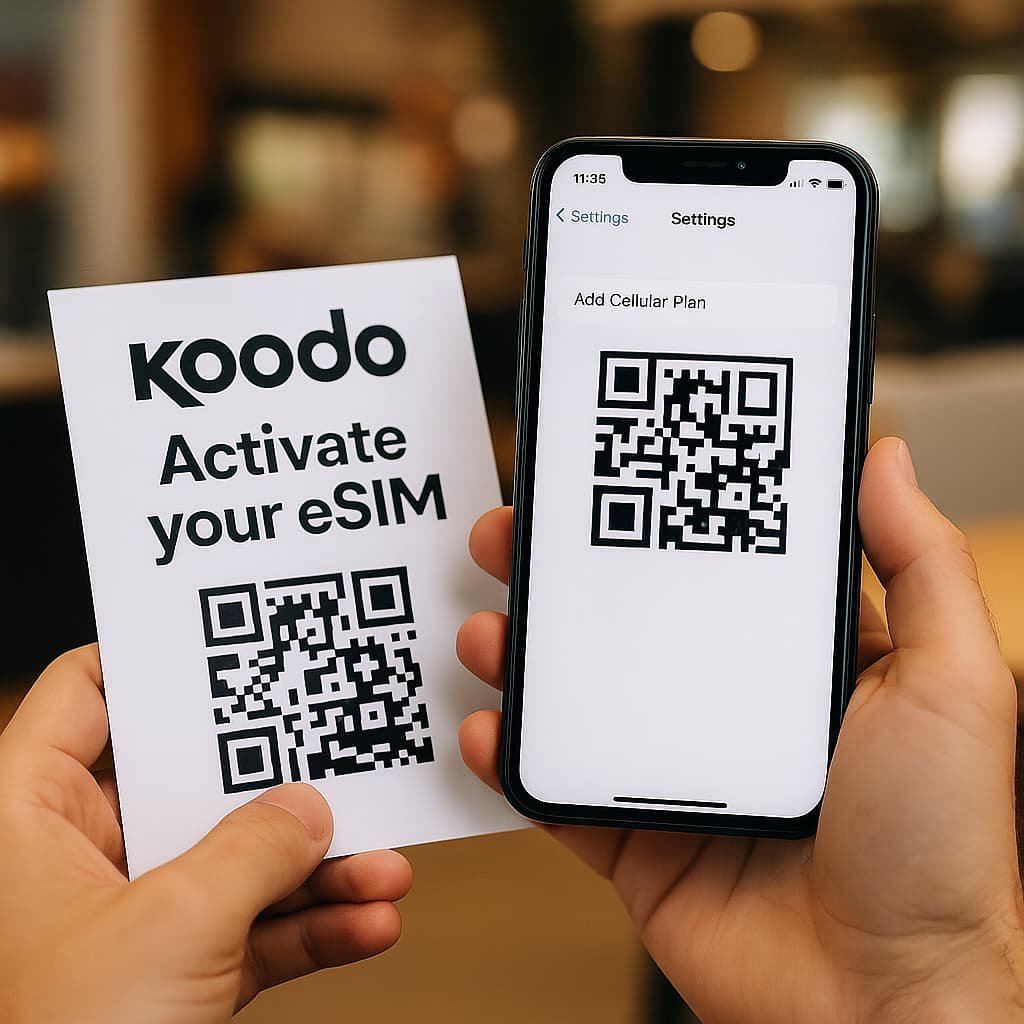
- Your eSIM QR code from Koodo
How to Get Your Koodo eSIM QR Code in Canada
To activate your Koodo eSIM, you’ll need a QR code. Here are three ways to get one:
- 📞 Contact Koodo Support
Get help anytime through Koodo Assist. You can chat with the virtual assistant, schedule a callback from a live representative, or be directed to the Koodo Community for additional support. - 🏪 Visit a Koodo Store
Walk into a Koodo retail location. A store associate can generate your QR code and help you set it up if needed. - 💬 Use Self Serve Online
Log in to your Koodo Self Serve account and request an eSIM. Once it’s processed, you’ll receive a QR code by email. For many customers, this is the fastest way to get started with Koodo eSIM without visiting a store.
How to Activate Koodo eSIM in Canada on iPhone (Step-by-Step)
- Open Settings
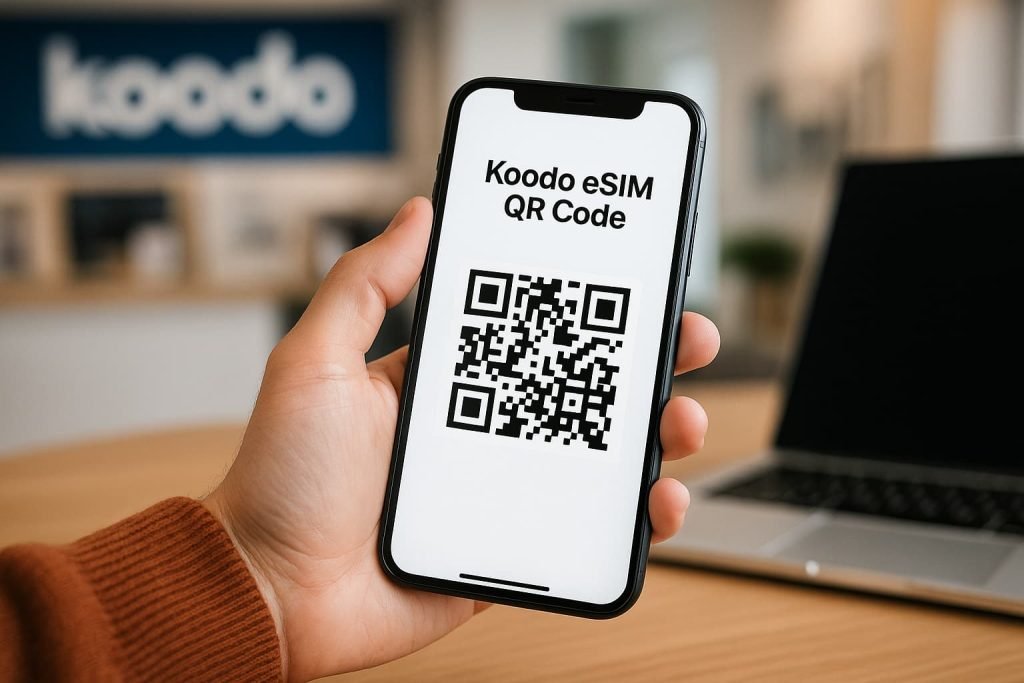
- Tap Cellular > Add eSIM or Add Cellular Plan
- Scan your QR code from Koodo
- Follow the on-screen prompts
- Set your default line preferences (data, calls, iMessage)
- Wait a few minutes for activation to complete
Pro Tip: Label your line “Koodo” if using dual SIM so it’s easier to manage. These steps are part of the easiest way to learn how to activate Koodo eSIM in Canada on iPhone.

How to Activate Koodo eSIM in Canada on Android (Step-by-Step)
- Open Settings > Network & Internet
- Tap + next to SIMs or Add eSIM
- Choose Use QR code and scan your Koodo eSIM
- Follow prompts to finish setup
- Restart your device if prompted
Pro Tip: If you don’t see the eSIM option, update your phone to the latest software version. Following these steps ensures you know exactly how to activate Koodo eSIM in Canada on Android.
Pro Tips to Activate Your Koodo eSIM
- Use strong Wi-Fi. A weak connection can cause the QR code scan or download to fail, so make sure you’re on a stable network.
- Check device compatibility. Not every phone supports eSIM. Double-check that your iPhone or Android is unlocked and has eSIM capability before you start.
- Save your QR code safely. Print it out or store it in a secure folder, you’ll need a fresh one if you reset your device or switch phones.
- Don’t toss your old SIM yet. Keep your physical SIM in until you’ve confirmed calls, texts, and data are all working on your new eSIM.
- Restart if things get stuck. Sometimes a quick reboot or toggling airplane mode fixes most activation issues instantly.
- Travel smarter with dual SIM. Use your Koodo eSIM for calls and texts, and add a travel eSIM for affordable data when you’re abroad. This is one of the best perks when learning how to activate Koodo eSIM in Canada for frequent travelers.
Pros and Cons of Using Koodo eSIM
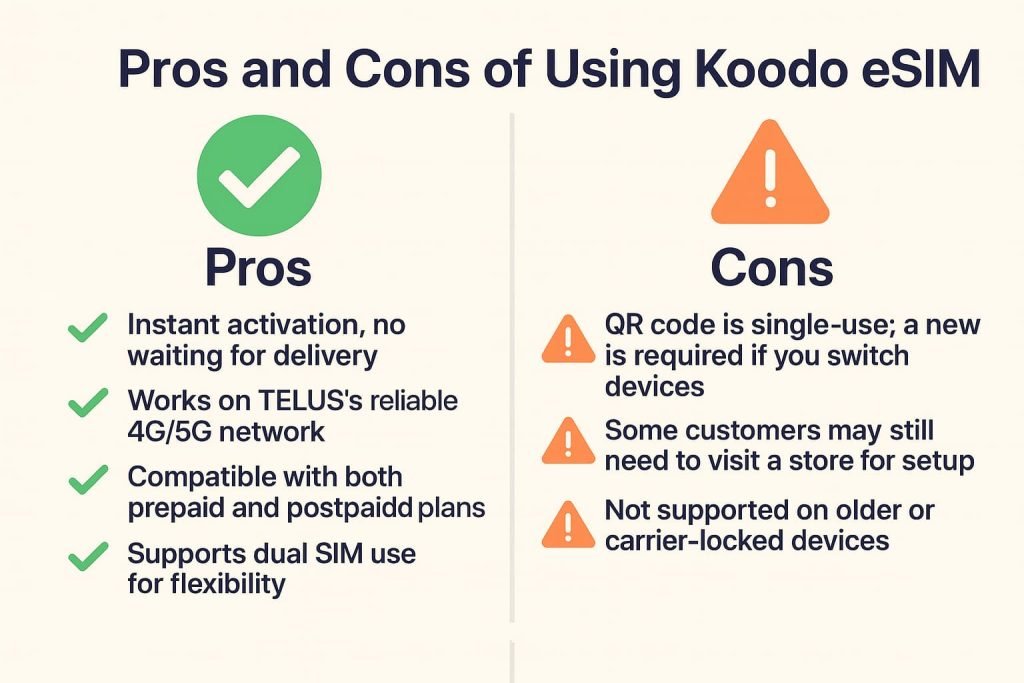
Pros
- Instant activation, no waiting for delivery
- Works on Telus’s reliable 4G/5G network
- Eco-friendly, no more plastic SIM cards
- Works with prepaid and postpaid plans
- Supports dual SIM use
Cons
- QR code is single-use; you’ll need a new one if you switch devices
- Some customers may still need to visit a store for setup
- Not supported on older or carrier-locked devices
Frequently Asked Questions About How to Activate Koodo eSIM in Canada
Got questions? Here are the most common ones about how to activate Koodo eSIM in Canada, along with clear answers to guide you.
Can I activate Koodo eSIM online?
Yes. You can activate your Koodo eSIM online through your Self Serve account. Once you log in, you can request an eSIM and Koodo will email you a QR code to scan with your iPhone or Android. This is usually the fastest and easiest way, since you don’t need to wait for a physical SIM card or visit a store.
Do I need to visit a Koodo store for eSIM?
In most cases, no. Many customers activate online, but if you run into issues or prefer in-person support, you can visit a Koodo retail store. A store associate can generate your QR code on the spot and even walk you through scanning and activating it on your device.
How do I set up Koodo eSIM on Android?
Go to Settings > Connections > SIM Manager > Add Mobile Plan, then scan your QR code and follow the prompts. Once added, restart your device if needed. These are the official steps for Android activation. If you get stuck, you can ask questions in the Koodo Community where staff and other users share solutions.
How do I set up Koodo eSIM on iPhone?
Open Settings > Cellular > Add Cellular Plan and scan the QR code provided by Koodo. You can then choose which line to use for calls, texts, and data. Your eSIM will be active within minutes. This is the standard method across all carriers that support eSIM on iPhone.
What happens to my physical SIM after I activate eSIM?
Once your eSIM is active, your physical SIM is deactivated. You can remove it, but it’s a good idea to keep it safe as a backup in case you switch phones later or run into eSIM issues.
Will my number and plan transfer?
Yes. Your Koodo number, plan, data, and add-ons all transfer automatically to your eSIM. Even features like voicemail and call display stay the same. Nothing about your account changes, just the way it connects to the network.
What if my QR code doesn’t work?
Start by restarting your device and scanning again on a strong Wi-Fi connection. If it still fails, Koodo Assist can issue you a new QR code and help confirm your account settings.
Does Koodo support eSIM for prepaid and postpaid plans?
Yes. Koodo supports eSIM on both prepaid and postpaid accounts. That means whether you’re testing out a short-term plan or already on a monthly contract, you can switch to eSIM.
Is there a cost for a Koodo eSIM?
No. Koodo provides eSIMs free of charge. The only requirement is that you have a compatible, unlocked device. If you need to switch phones later, you’ll just request a fresh QR code.
Is my phone compatible with Koodo eSIM?
Most newer iPhones (XS and later), Google Pixels (4a and newer), and Samsung Galaxy S20 and newer devices support eSIM. To check, open your phone’s settings under Cellular or Network & Internet. If you see an option to “Add eSIM,” your device is compatible.
What’s the difference between a SIM and an eSIM?
A SIM card is a small piece of plastic that you insert into your phone, while an eSIM is built into your device and activated digitally. With Koodo eSIM, you don’t need to wait for a card to arrive, and you can even store multiple profiles, such as keeping your Koodo line for calls and adding a travel eSIM for data when abroad.
Using Koodo eSIM With Easy Roam
If you’ve just finished learning how to activate Koodo eSIM in Canada, you may also want to know how it works while traveling. With Koodo eSIM, you can keep using your number abroad through Easy Roam. Instead of paying high pay-per-use fees, Easy Roam lets you use your existing plan (calls, texts, and data) for a daily fee in supported countries.
How it works:
- The daily Easy Roam fee activates the first time you make a call, send a text, or use data abroad.
- Once active, it lasts until 11:59 p.m. in your destination’s time zone.
- Your data, minutes, and texts come out of your regular monthly plan.
Tips to avoid unwanted charges:
- Turn off data roaming if you don’t plan to use data.
- Manually select the Koodo/TELUS network when near the US border to prevent accidental roaming.
- Use Wi-Fi whenever possible. Easy Roam won’t trigger if data roaming is off and you’re only on Wi-Fi.
For more details, check the official Koodo Easy Roam page.
Related Guides from Our eSIM Canada Series
If you’re still exploring your options beyond Koodo, check out these detailed guides to compare how other carriers handle activation. Each one explains step by step how to activate eSIM in Canada with different providers:
- How to Activate Virgin Plus eSIM in Canada
- How to Activate Chatr Mobile eSIM in Canada
- How to Activate Public Mobile eSIM in Canada
- How to Activate Bell eSIM in Canada
- How to Activate Rogers eSIM in Canada
- eSIM Canada Plans: Best Providers, Setup & Guide for Travelers & Locals
Final Thoughts
Learning how to activate Koodo eSIM in Canada is quick and straightforward. Whether you’re using an iPhone or Android, setup only takes a few minutes. With reliable coverage on the TELUS network, support for dual SIM, and both prepaid and postpaid options, Koodo eSIM makes staying connected simple.
If you’re still exploring your options, check out our full guide: Compare Canadian eSIM Providers: The Ultimate 2025 Guide to Finding the Right Plan to see how Koodo stacks up against other carriers.