Wondering how to activate Chatr Mobile eSIM in Canada? You’re in the right place. In this step-by-step guide, I’ll walk you through everything you need to get started. That includes getting your QR code and setting it up on iPhone or Android. Whether you’re upgrading from a physical SIM or adding a second line, Chatr makes the process simple and affordable.
Unlike some providers, Chatr is focused on budget-friendly plans and ease of access, making them a great option for newcomers, students, or anyone looking to cut down on mobile costs without sacrificing coverage.
Not sure if Chatr is the right provider? Start with our complete eSIM Canada Plans Guide to compare top eSIM options.

What Is an eSIM and How Does It Work?
Before we walk through how to activate Chatr Mobile eSIM in Canada, let’s cover the basics.
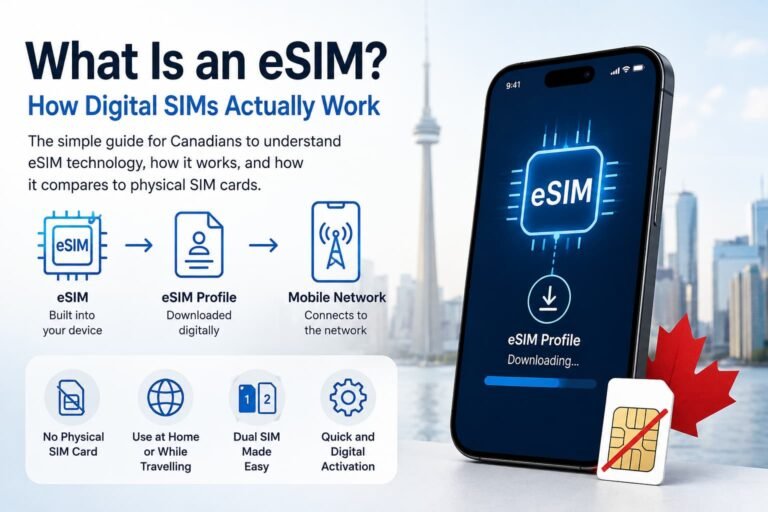
An eSIM, or embedded SIM, is a small digital chip built into your smartphone. Unlike traditional SIM cards, there’s nothing to insert, as activation happens digitally by scanning a QR code.
That means:
- No waiting for SIM delivery
- No physical SIM swapping
- Instant setup on supported devices
eSIMs give you the freedom to switch plans easily, use dual SIMs (e.g., work + personal lines), and travel without juggling SIM cards. It’s a smarter, more flexible way to stay connected, especially if you’re on a budget-friendly provider like Chatr.
eSIM technology is perfect if you want to switch plans easily, add a second line, or stay connected while traveling without juggling SIM cards.

Why Choose Chatr Mobile eSIM?
- No need to wait for a SIM card in the mail
- Great coverage on the Rogers network
- Simple QR code activation
- Affordable prepaid plans with no contract
- Perfect for dual SIM users (work + personal)
Supported Devices: Chatr Mobile eSIM Compatibility
Your phone must be unlocked and support eSIM. Most newer models from Apple, Google, and Samsung are compatible.
iPhone (dual SIM supported)
- iPhone 15, 14, 13, 12, 11
- iPhone SE (2nd gen and newer)
- iPhone XS, XS Max, XR
Pro Tip: Want a more detailed breakdown? See our full guide on How to Activate an eSIM on iPhone in Canada for step-by-step instructions, screenshots, and expert tips.
Android
- Google Pixel 4a and newer
- Samsung Galaxy S20, S21, S22, S23, S24 series
- Samsung Galaxy Z Flip & Fold (2020 onward)
- Motorola Razr 5G
Pro Tip: Stuck during setup? Check out our full guide on How to Activate an eSIM on Android in Canada for screenshots, step-by-step instructions, and expert help.
Check the full compatibility list on Chatr’s Device Support page.
What You Need Before Activating Your Chatr Mobile eSIM in Canada
Here’s what you’ll need to activate your Chatr eSIM:
- An unlocked, eSIM-compatible phone
- A stable Wi-Fi or data connection
- A Chatr account (or create one during activation)
- Your eSIM QR code from Chatr
You can get your eSIM by contacting Chatr online or visiting a participating Chatr store.
How to Get Your Chatr Mobile eSIM QR Code in Canada
To activate your Chatr eSIM, you’ll need a unique QR code linked to your account. There are three main ways to get it:
1. Contact Chatr Support
Call 1-800-485-9745 or start a live chat on Chatr’s website.
A support rep will verify your account details and can send your QR code by email.
2. Visit a Chatr Store
Walk into any Chatr retail location. A store associate can generate your QR code on the spot and help you set it up if needed.
3. Try Online Chat (Some Users)
Some users report success getting a QR code via Chatr’s online support form or chat after identity verification. While not guaranteed, it’s a good option if you can’t visit a store.

How to Activate Chatr Mobile eSIM in Canada on iPhone (Step-by-Step)
- Open Settings
- Tap Cellular > Add eSIM or Add Cellular Plan
- Scan your QR code from Chatr
- Follow the on-screen prompts
- Set your default line and iMessage/data preferences
- Your phone may take a few minutes to activate
Pro Tip: Label your line “Chatr” if using dual SIM for better clarity.

How to Activate Chatr Mobile eSIM in Canada on Android (Step-by-Step)
- Open Settings > Network & Internet
- Tap + next to SIMs or Add eSIM
- Choose Use QR code and scan your Chatr eSIM
- Follow prompts to finish setup
- Restart your device if prompted
Pro Tip: If using Pixel, toggle “Mobile data” on/off after install to trigger activation.
Pro Tips to Activate Your Chatr Mobile eSIM
Want your Chatr eSIM setup to go smoothly? Keep these tips in mind:
- Use strong Wi-Fi during setup to avoid activation errors
- Confirm your phone is unlocked and eSIM-compatible (iPhone XR+, Pixel 4+, Galaxy S20+)
- Print or save your QR code in case you need to scan it again
- Label your eSIM line clearly, especially if using dual SIM
- Keep your physical SIM installed until the eSIM is working
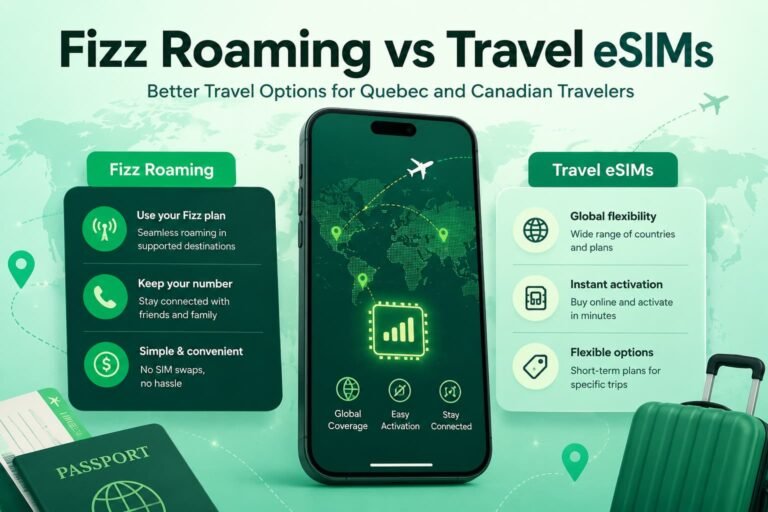
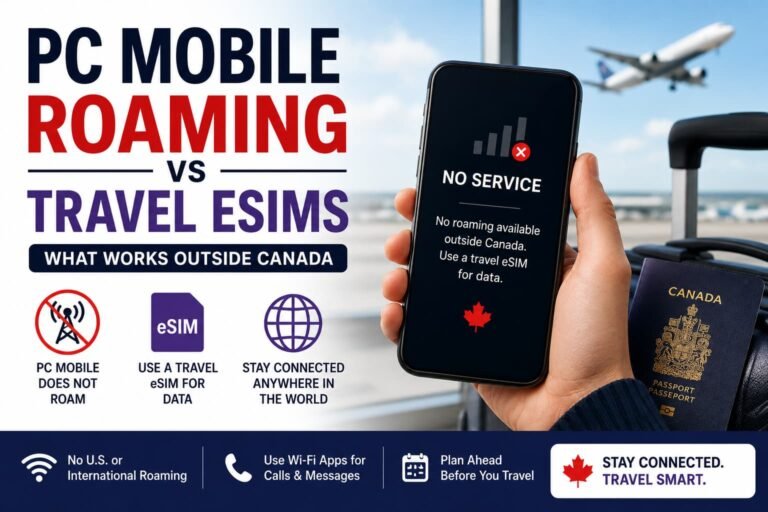
- Combine Chatr with a travel eSIM when abroad to avoid roaming fees
- Restart your device or toggle airplane mode if activation fails
- Visit a Chatr store if you’re unsure or need help with setup
Troubleshooting Chatr Mobile eSIM Activation
If you’re having problems figuring out how to activate Chatr Mobile eSIM in Canada, here are a few common fixes:
- QR code not working? Try different Wi-Fi or scan in better lighting
- No service after activation? Restart phone and toggle Airplane Mode
- eSIM option missing? Update device software and confirm model supports eSIM
- Still stuck? Contact Chatr support at 1-800-485-9745
- Try a different Wi-Fi network or scan again with better lighting
No service after activation?
- Restart your phone and toggle airplane mode
- Double-check APN settings in your phone’s cellular settings
eSIM option not showing?
- Update your device to the latest OS version
- Confirm the device model is eSIM-compatible
Still stuck? Contact Chatr support at 1-800-485-9745

How to Switch From a Physical SIM to a Chatr Mobile eSIM
If you’re already using a Chatr SIM, here’s how to activate Chatr Mobile eSIM in Canada instead. Already on Chatr with a SIM card? Here’s how to activate Chatr eSIM in Canada when switching:
- Contact Chatr support and ask to switch from physical SIM to eSIM
- They’ll verify your identity and send you a QR code
- Remove the physical SIM from your device
- Scan the QR code and follow the activation steps above
- Your number and plan will transfer to the eSIM profile.
Pros and Cons of Using Chatr Mobile eSIM
Pros
- Instant activation (no waiting for SIM delivery)
- Great for travelers or dual SIM setups
- Works with most newer devices
Cons
- No international roaming support on most plans
- QR code can only be used once, so keep a backup
- Some Android models may need manual APN setup
Frequently Asked Questions About Chatr Mobile eSIM in Canada
Does Chatr offer eSIM service in Canada?
Yes. Chatr supports eSIM for both iPhone and Android users with compatible devices. It’s available to new and existing customers.
How can I tell if my phone is compatible with Chatr eSIM?
If you have an iPhone XR or newer, a Pixel 4 or later, or a recent Samsung Galaxy device, you’re likely good to go. To be sure, open your phone settings and look under “About” for terms like “eSIM,” “EID,” or “Digital SIM.”
Do I need an unlocked phone to activate a Chatr eSIM?
Yes. Your phone must be unlocked to activate a Chatr eSIM. If it’s locked to another carrier, contact them to unlock it for free. Canadian carriers are required to unlock your phone upon request.
How do I get a Chatr eSIM QR code?
You can request one at a Chatr store, through the website’s chat feature, or by contacting customer support. Have your IMEI and account information ready.
Can I upgrade from a physical SIM to a Chatr eSIM?
Yes. If you’re already using Chatr with a physical SIM, just contact support and ask for an eSIM transfer. They’ll help you switch and send your new QR code.
How long does it take to activate my Chatr eSIM?
Most activations take under 10 minutes. Just scan the QR code, follow the prompts, and connect to Wi-Fi to make the process faster.
What if my QR code isn’t working?
Try restarting your phone, check that Wi-Fi is on, and scan the code again. If it still doesn’t work, contact Chatr or visit a store to get a new QR code.
Can I use Chatr eSIM while traveling outside Canada?
Is it possible to use the same Chatr eSIM on more than one phone?
No. Once a Chatr eSIM is installed on a phone, it’s tied to that device. If you change phones, you’ll need to request a new QR code.
Does Chatr eSIM work with dual SIM setups?
Yes. Most newer phones support dual SIM. You can use Chatr eSIM alongside another line, which is great if you want to add a travel plan or manage separate work and personal numbers.
More Helpful Guides from Our eSIM Canada Series:
Looking to activate another eSIM or explore your options in Canada? Check out these step-by-step guides:
- How to Activate Public Mobile eSIM in Canada
- How to Activate Rogers eSIM in Canada
- How to Activate TELUS eSIM in Canada
- How to Activate Bell eSIM in Canada
- How to Activate Fido eSIM in Canada
- How to Activate Freedom Mobile eSIM in Canada
- How to Activate an eSIM on iPhone in Canada (Step-by-Step Guide)
- How to Activate an eSIM on Android in Canada (Step-by-Step Guide)
- Compare Canadian eSIM Providers: Which One Is Right for You?
- eSIM Canada: Best Providers, Setup & Guide for Travelers & Locals
Final Thoughts
Activating your Chatr eSIM in Canada is a quick and straightforward process, whether you’re using an iPhone or Android phone. It’s a great way to simplify your mobile life and enjoy the flexibility of dual SIMs.
If you’re still unsure how to activate Chatr Mobile eSIM in Canada, you can always contact Chatr Support for help or check their official eSIM setup page.
Once you’re set up, you’ll enjoy the freedom of dual SIM support, fast activation, and no need to swap physical cards again.