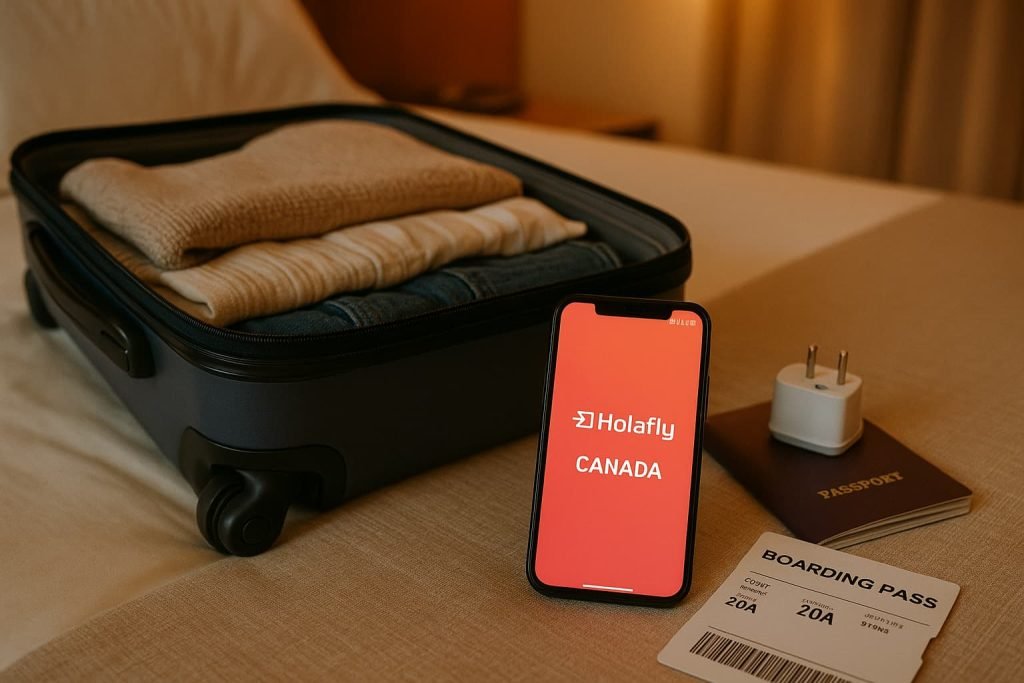
Holafly eSIM Canada setup is simple and fast. This step-by-step guide shows you exactly how to activate your eSIM for travel or remote work in Canada. Holafly makes it easy to get unlimited data with no physical SIM card and no hassle. Whether you’re traveling for work or just visiting, you’ll be connected as soon as you land. Below, I’ll walk you through how to install, activate, and manage your Holafly eSIM on both iPhone and Android devices.

Why Choose Holafly for Canada?
Holafly is known for its unlimited data plans, fast activation process, and solid customer support. If you’re a tourist, remote worker, or digital nomad visiting Canada, here are a few reasons why Holafly is worth considering:
- Unlimited data on most Canada plans (fair usage policy applies)
- Easy installation via QR code or manual setup
- 24/7 customer support via chat or email
- Works with most modern smartphones (iPhone and Android)
- No SIM card swap or physical shipping required
Best for: Travelers and remote workers who need unlimited data and fast setup without needing a local Canadian phone number.
How Holafly eSIM Works in Canada
Official Resource: Holafly Canada eSIM Plan Page
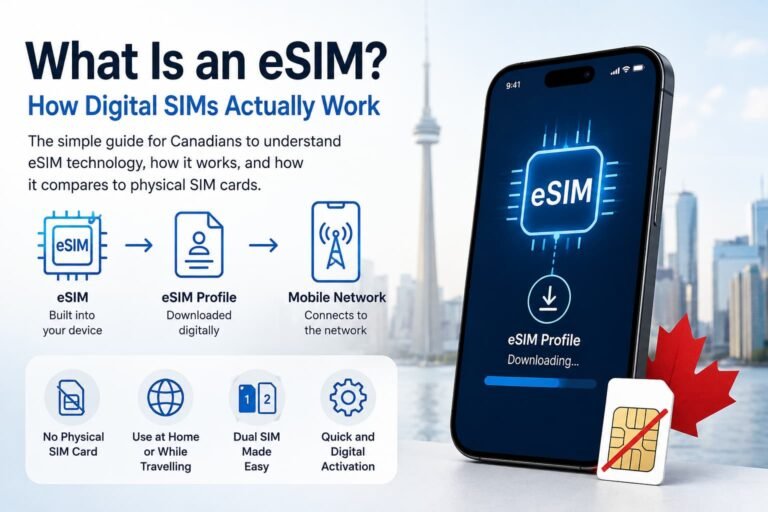
Holafly is a digital-only eSIM provider. That means instead of waiting for a SIM card in the mail, you:
- Choose a Canada data plan on Holafly’s website
- Receive a QR code and instructions instantly by email
- Install the eSIM on your device (iPhone or Android)
- Activate it when you’re ready to use it in Canada
You can buy the eSIM before your trip and activate it once you arrive or activate it immediately if you’re already in Canada.

Step-by-Step: How to Activate Your Holafly eSIM for Canada
For iPhone Users:
- Buy your Canada eSIM from Holafly
- Open the email from Holafly and tap the QR code attachment
- On your iPhone, go to Settings > Cellular > Add eSIM
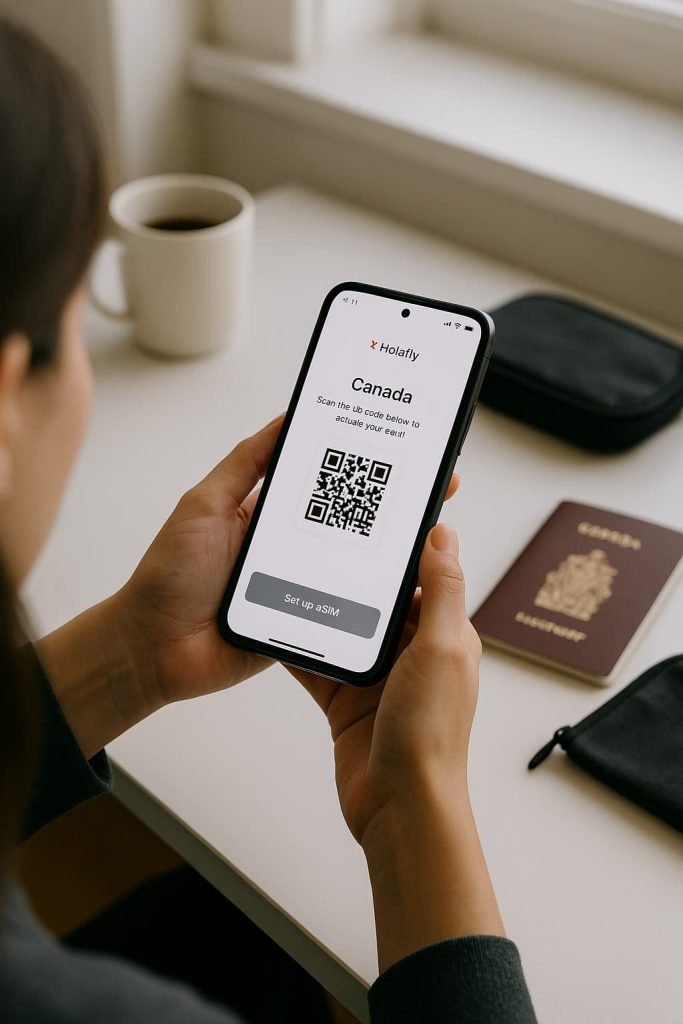
- Scan the QR code using your phone’s camera
- When prompted, label your new plan (e.g. “Holafly Canada”)
- Enable Data Roaming for the Holafly line
- Make sure Holafly is set as your primary data line under Cellular Data
That’s it! Once you’re in Canada, your phone will automatically connect to the local partner network.
For Android Users:
- Buy your eSIM from Holafly
- Open the QR code email on another device or print it out
- Go to Settings > Network & Internet > SIMs > Add eSIM
- Choose “Use QR Code” and scan it
- Confirm the installation and name the plan (e.g. “Holafly Canada”)
- Turn on Mobile Data and Roaming for this eSIM
- Set Holafly as your default for mobile data
Once you’re in Canada, it should connect automatically to the best available network.
How to Manually Activate Holafly eSIM in Canada (No Wi-Fi)
If you can’t scan the QR code, Holafly also gives you manual activation details, including:
- SM-DP+ address
- Activation code
You can enter these manually in your phone’s eSIM settings by selecting “Enter details manually” during the setup process.
Manage Your Holafly eSIM Canada Plan Using the App
Holafly offers a mobile app (iOS and Android) where you can:
- View your data plan
- Check validity period
- Access setup instructions again
- Contact support if needed
The app is optional but useful if you want to monitor your plan while traveling.
Quick Comparison: Holafly vs. Airalo for Canada
| Feature | Holafly | Airalo |
|---|---|---|
| Data | Unlimited (with fair use limits) | Fixed data (1GB to 20GB options) |
| Activation | QR code or manual setup | QR code or manual setup |
| Phone number | No (data only) | No (data only) |
| App support | Yes (iOS & Android) | Yes (iOS & Android) |
| Best for | Heavy data users & travelers | Light to moderate data users |
Pros and Cons of Using Holafly eSIM in Canada
Pros:
- Unlimited data options
- Instant delivery
- Simple installation
- No hidden fees or roaming charges
Cons:
- No local Canadian phone number (data-only)
- Slightly more expensive than some regional eSIMs
- Speeds may be deprioritized during peak hours (fair use policy)
Related Guides
- eSIM Canada: Best Providers, Setup & Guide for Travelers & Locals
- Compare Canadian eSIM Providers
- Best Canadian eSIM Plans for Tourists (2025)
- How to Activate an eSIM on Android in Canada
- How to Activate an eSIM on iPhone in Canada
- How to Activate Airalo eSIM in Canada
- TELUS Canada eSIM Setup Guide
Holafly eSIM in Canada: Frequently Asked Questions
Can I use Holafly eSIM in Canada and the U.S.?
Some Holafly plans offer multi-country options. Double-check the plan details before purchasing.
Do I need to keep my original SIM card?
Yes, but you can disable your primary SIM if you’re using Holafly for all your data.
Does Holafly eSIM include a Canadian phone number?
No. Holafly is a data-only service. Use WhatsApp, FaceTime, or other apps to call/text.
How long is the Holafly plan valid?
Most Holafly Canada eSIM plans are valid for 5, 10, 15, or 20 days, depending on what you select.
Can I top up or extend my plan?
You can buy a new eSIM plan, but there’s currently no in-app top-up feature.
Final Tips Before You Land in Canada
- Install the eSIM before your trip, but activate it only when ready
- Always have a stable Wi-Fi connection for installation
- Keep the email with your QR code handy in case of reinstallation
- Bookmark Holafly support in case you need help on the go
Need a backup option? You can also check out Airalo’s eSIM setup guide here if you’re looking for a cheaper plan with smaller data caps.
Got questions? Drop them in the comments below or reach out through the Holafly support chat they’re fast and helpful.
Final Thoughts on Using Holafly eSIM in Canada
Holafly is a solid option if you want a fast, no-stress way to stay connected in Canada without the hassle of physical SIM cards. The setup is quick, the unlimited data is a huge perk for travelers, and support is always just a tap away. Whether you’re visiting for a few days or working remotely, Holafly makes it easy to hit the ground running with reliable data from day one.
Make sure to explore all our guides to find the best eSIM option for your trip and check back often as we continue testing and reviewing more providers for Canada.