Activate eSIM on Android Canada with ease using this step-by-step guide. I’ll show you how to get started using your Android phone, whether it’s a Pixel, Galaxy, or another eSIM-compatible device. From scanning a QR code to manual setup, you’ll be connected in minutes without a trip to the store.
Whether you’re a local or just visiting, having access to reliable mobile service in Canada is a must. With Android’s built-in eSIM support, you can skip the hassle of physical SIM cards and activate your connection digitally. It’s one of the easiest ways to stay online with no interruptions and no store visits.
This post is part of our eSIM Canada series, helping Canadians and travelers make sense of digital SIM technology. Be sure to check out the full eSIM Canada Guide to see how this guide fits into the bigger picture.

What is an eSIM on Android?
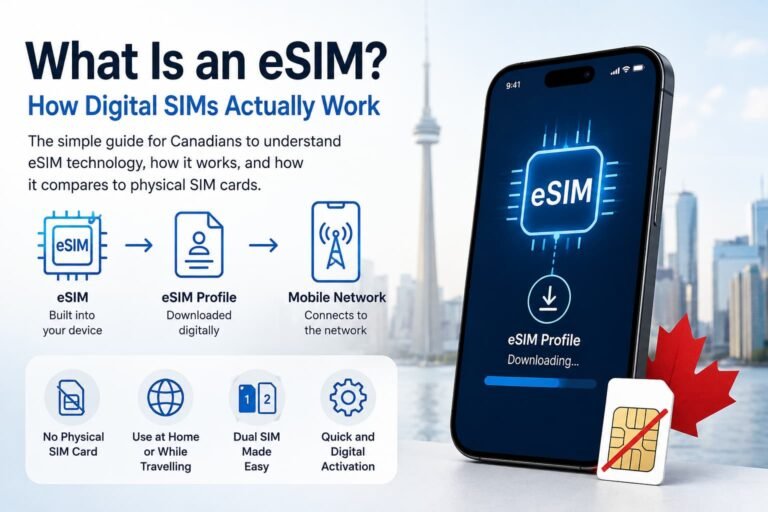
An eSIM (short for embedded SIM) is a digital SIM card built into your Android device. Unlike traditional SIM cards, it doesn’t need to be inserted. Everything happens digitally, which makes activating an eSIM on Android in Canada quick and hassle-free.
Most newer Android phones support eSIM, including Google Pixel, Samsung Galaxy, Motorola, and more.
What You Need Before You Activate eSIM on Android in Canada
Before you get started, here’s what you’ll need to activate eSIM on Android in Canada without any issues:
- An Android phone that supports eSIM (like Pixel 3 and up, Samsung Galaxy S20 or newer, or the Motorola Razr)
- A solid Wi-Fi connection to keep the activation process running smoothly
- An active Canadian eSIM plan from your carrier or travel provider
- Your eSIM details, which usually come as a QR code or manual setup info from the provider
How to Activate eSIM on Android Canada
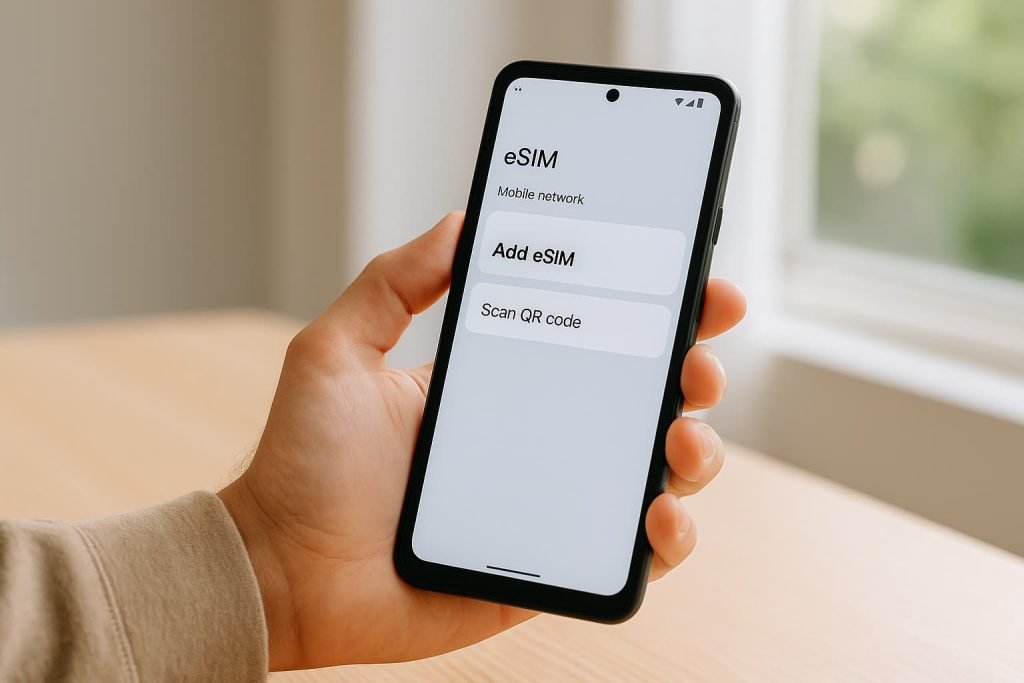
Activating eSIM on Android in Canada is easier than you might think. Whether you’re using a QR code, letting your carrier do the work, or entering the details yourself, there’s a method that fits your setup. Here are the three main ways to get started:
Option 1: Activate with a QR Code
- Go to Settings
- Tap Network & Internet (or Connections)
- Select Mobile Network > Add Carrier
- Choose Use QR Code
- Scan the QR code from your eSIM provider
- Tap Download or Activate
Option 2: Carrier Activation
- Open Settings > Mobile Network
- Your phone may detect a pending eSIM activation
- Tap the alert and follow the setup prompts
- Restart your phone to finalize
Option 3: Enter Details Manually
- Go to Settings > Mobile Network > Add Carrier
- Tap Enter Details Manually
- Input the SM-DP+ address and activation code from your carrier
Troubleshooting eSIM Activation on Android in Canada
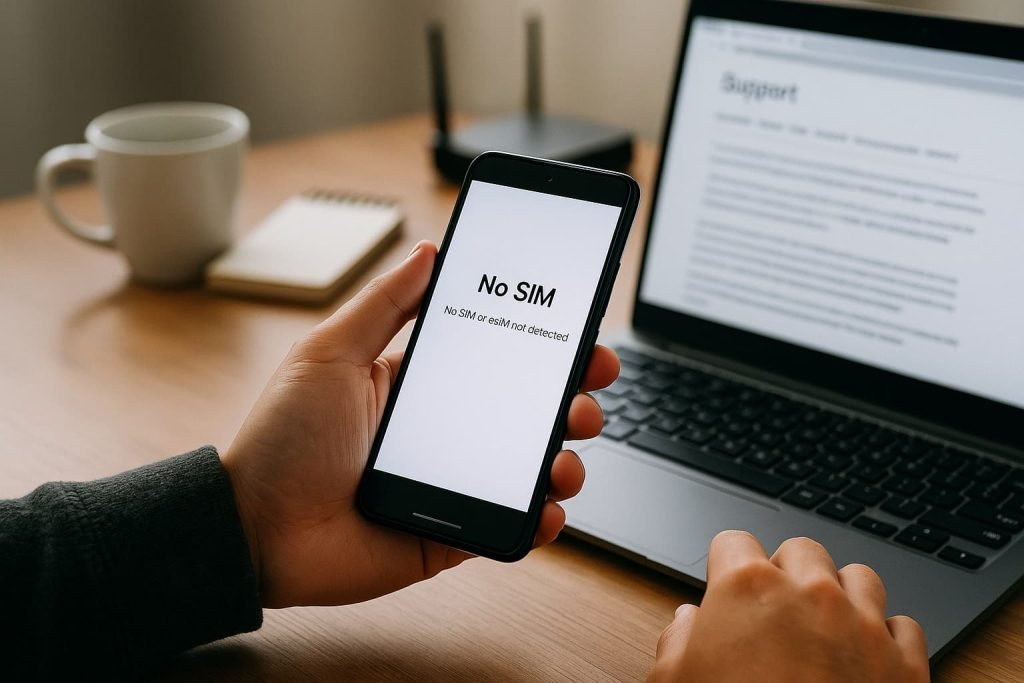
If you’re having trouble activating your eSIM on Android in Canada, don’t worry. Most issues are quick to fix. Here are a few common problems and how to solve them:
- Can’t find the eSIM option in settings? Make sure your phone is up to date and supports eSIM. Some older models might not be compatible.
- QR code not scanning? Clean your camera lens and check lighting. You can also switch to manual setup using the activation info from your provider.
- No mobile signal after activation? Try turning Airplane mode on and off, or restart your phone to refresh the connection.
- Still not working? Reach out to your Canadian eSIM provider. They may need to reset your eSIM or send a new QR code.
Dual SIM Setup: Managing eSIM and SIM Cards on Android
Many Android phones let you use both a physical SIM and an eSIM, or even two eSIMs. To manage them:
- Go to Settings > Mobile Network
- Toggle between your eSIM profiles
- Label each line for work, travel, or data
- Choose your default for calls, texts, and mobile data
Choosing the Right Canadian eSIM Provider for Android Phones
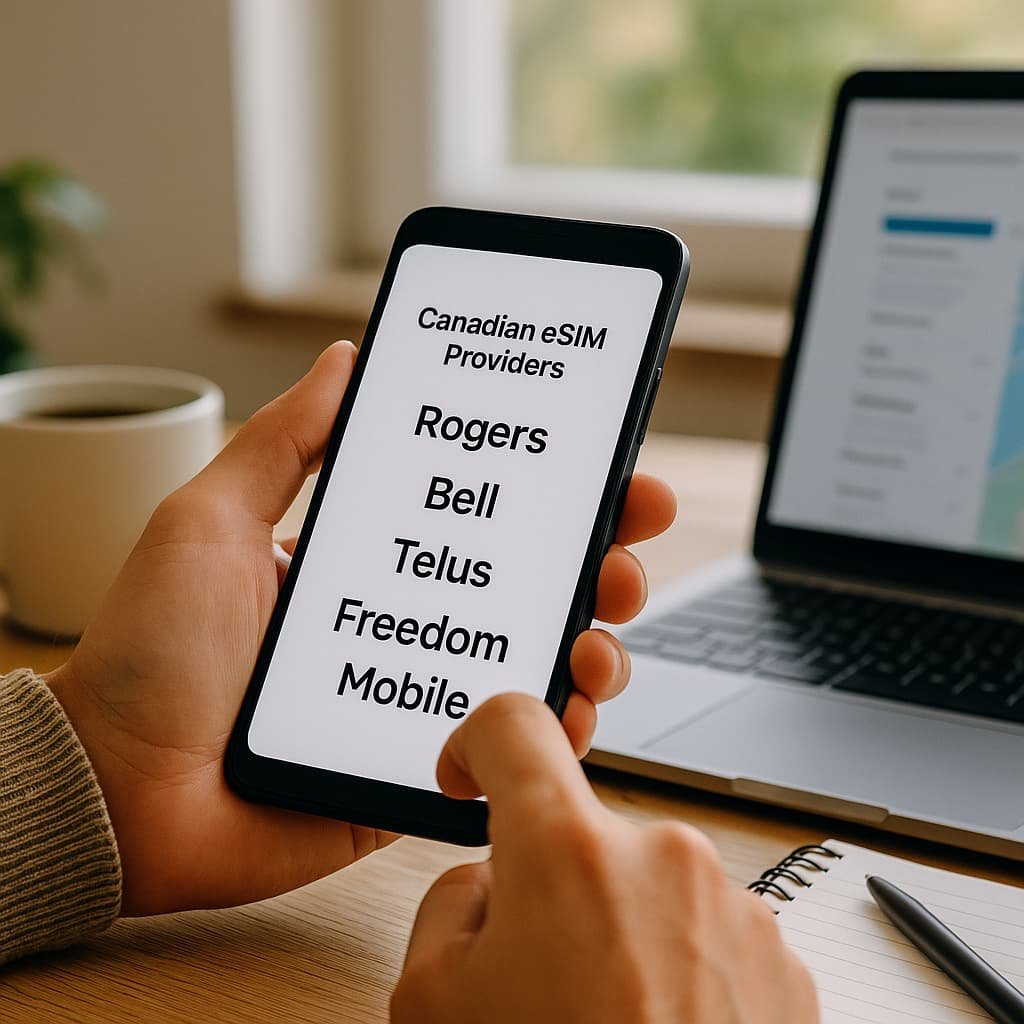
After you activate eSIM on your Android phone in Canada, the next step is choosing the right provider. Whether you’re a local or just visiting, here’s what to look for:
- Reliable coverage from major carriers like Rogers, Bell, Telus, and Freedom Mobile
- Affordable Canadian eSIM plans that match your data needs
- Easy Android setup with clear instructions and customer support
- Travel eSIM providers like Airalo and Holafly, great for short-term use or roaming without a local plan
Still undecided? Check out our eSIM Canada: Best Providers, Setup & Guide for Travelers & Locals to compare the top options and find one that fits your Android phone.
More Helpful eSIM Guides
- How to Activate an eSIM in Canada: Step-by-Step Guide for iPhone Users
- Compare Canadian eSIM Providers
- Best Canadian eSIM Plans for Tourists
- How to Activate TELUS eSIM in Canada
- How to Activate Bell eSIM in Canada: Step-by-Step Guide
- Activate Rogers eSIM in Canada
- How to Activate Airalo eSIM in Canada
- How to Activate Holafly eSIM in Canada
FAQs: Activating eSIM on Android Canada
Which Android phones support eSIM in Canada?
Most Google Pixel, Samsung Galaxy, Motorola, and newer Android phones support eSIM.
Do I need Wi-Fi to activate an eSIM on Android?
Yes, a stable Wi-Fi connection is usually required during setup.
Can I store more than one eSIM on my Android phone?
Yes. Most Androids allow multiple eSIMs and let you switch between them easily.
Do all Canadian mobile providers offer eSIM for Android?
Yes. Rogers, Bell, Telus, Freedom, Public Mobile and others like Fido and Koodo support Android eSIM activation
Can I move my eSIM to another Android phone?
Most carriers allow you to transfer your eSIM using a new QR code or app login.
How do I choose the best eSIM provider for Android in Canada?
Look for good coverage, competitive data plans, and smooth activation. If you’re not sure, visit our guide to the best eSIM Canada plans for help.
Can I use a travel eSIM from another country on Android phone in Canada?
Definitely. Just make sure your phone is unlocked and the eSIM provider supports Canada.
What’s the best eSIM for Android if I’m just visiting Canada?
Travel eSIM providers like Airalo and Holafly offer short-term Canadian data plans that are easy to activate and work well with most Android phones.
Will my home country’s eSIM still work while I’m in Canada?
It depends on your provider and plan. Some eSIMs offer global coverage, but many charge high roaming fees. Switching to a Canadian or travel eSIM can help avoid extra charges
Can I activate a Canadian eSIM on my Android phone before I arrive in Canada?
Yes. Some providers let you install and activate your eSIM ahead of time so you can connect as soon as you land.
Do I need a Canadian address or ID to buy a Canadian eSIM for Android?
No. Most travel eSIM providers do not require a Canadian address or ID. Local carriers may ask for one, but travel plans can be activated with just your phone and email.
Conclusion and Next Steps
Activating eSIM on Android in Canada is easy once you know what to expect. Whether you’re switching from a physical SIM or setting up your first eSIM, this guide walks you through it all in simple steps.
Want to keep things affordable and connected? Don’t forget to check out our eSIM Canada Guide to compare providers, explore travel-friendly options, and get the best value for your Android phone.