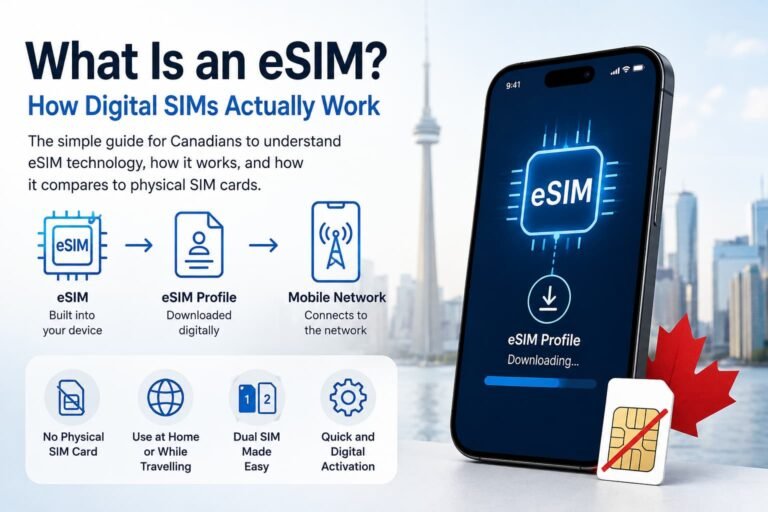
How to activate Fido eSIM in Canada? Ready to ditch the plastic SIM and go digital? This guide is your ultimate playbook, packed with smart tips, clear screenshots, and expert answers so you can activate your Fido eSIM fast and stress-free on iPhone or Android. Engaging, easy to follow, and designed for real people.
Switching from a physical SIM card to a Fido eSIM lets you skip the little plastic card and manage your line digitally. You can activate your Fido eSIM in just a few minutes using a QR code or through your Fido My Account app or website.

Why Switch to a Fido eSIM?
Fido offers eSIMs as an alternative to traditional SIM cards for compatible phones. Here’s why making the switch might be a smart move:
- No more juggling or misplacing SIM cards
- Activate or switch lines without visiting a store
- Use dual SIM (both physical + eSIM) on supported devices
- Eco-friendly option with no plastic
- Perfect for travelers who want to keep their Fido line and add a second plan
Whether you’re upgrading your phone or just want the convenience of eSIM technology, Fido makes the process easy.
How to Activate Fido eSIM in Canada on iPhone (Step-by-Step)
Here’s how to activate your Fido eSIM in Canada on an iPhone step by step. Whether you’re setting up an iPhone XR, XS, 11, 12, 13, 14, 15, or the latest iPhone 16 Pro Max, these instructions will guide you through the Fido eSIM activation process in Canada using QR code and app methods.
Option 1: Using a QR Code
- Check compatibility: Make sure your iPhone (XS, XR, or newer) supports eSIM technology.
- Request a Fido eSIM QR code: Get one from a Fido store or your Fido My Account.
- Connect to Wi-Fi: You’ll need internet access to download the eSIM.
- Scan the QR code:
- Open Settings > Cellular > Add eSIM > Use QR Code.
- Point your camera at the QR code and follow the prompts.
- Wait for activation: Your iPhone will download and activate the Fido eSIM in a few minutes.
Option 2: Through Fido My Account App or Online
- Log in to the Fido My Account app or website.
- Go to Devices > Activate eSIM.
- Follow the steps to activate directly without scanning a code.
➡️ Need more help? Visit our iPhone eSIM activation guide.

How to Activate Fido eSIM in Canada on Android (Step-by-Step)
Follow these step-by-step instructions to activate your eSIM on an Android phone in Canada. Whether you’re using a Google Pixel, Samsung Galaxy, or another supported device, this guide walks you through the Fido eSIM activation process using both the QR code and the Fido app methods.
Option 1: Using a QR Code
- Check compatibility: Make sure your Google Pixel, Samsung Galaxy, or other supported Android device supports eSIM.
- Request a Fido eSIM QR code: Get one from a Fido store or your Fido My Account.
- Connect to Wi-Fi: Internet is required to download the eSIM profile.
- Scan the QR code:
- Open Settings > Network & Internet > SIMs > Add SIM > Scan QR Code.
- Point your camera at the QR code and follow the instructions.
- Wait for activation: Your Android phone will complete the Fido eSIM setup in a few minutes.
Option 2: Through Fido My Account App or Online
- Log in to the Fido My Account app or website.
- Go to Devices > Activate eSIM.
- Follow the prompts to install and activate the eSIM profile.
Need help? Check out our Android eSIM activation guide.
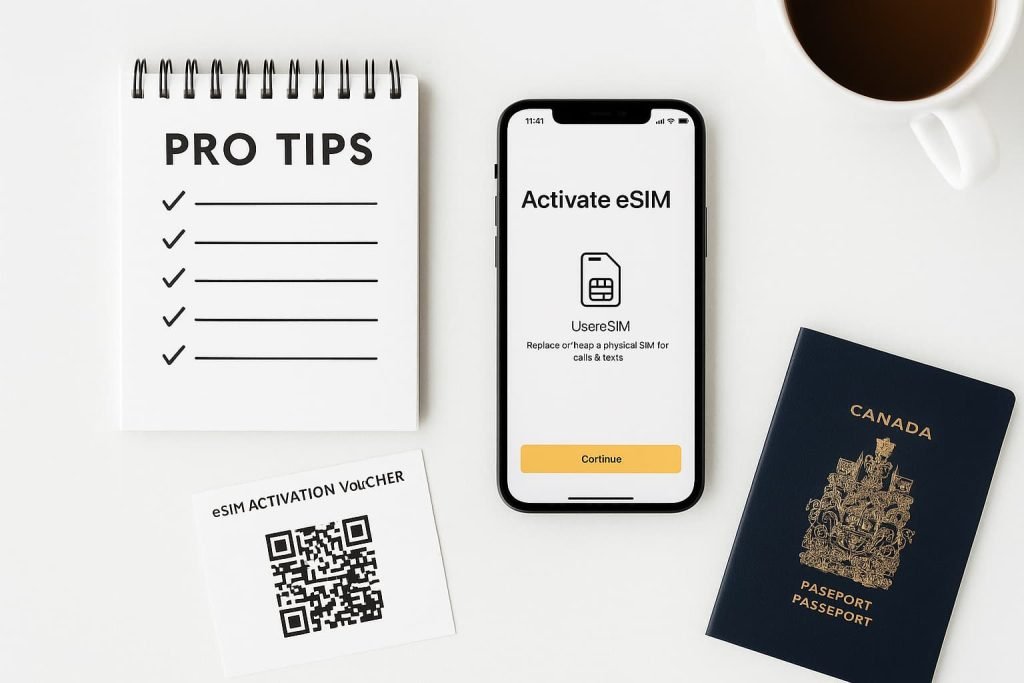
Pro Tips for How to Activate Fido eSIM in Canada
- Keep your physical SIM in the phone until the eSIM is fully active.
- Save a copy of your QR code for future use.
- Restart your phone if the eSIM doesn’t appear right away.
- Make sure your software is updated before starting.
- Use a reliable Wi-Fi connection during setup.
- If the QR code won’t scan, enter the SM-DP+ and activation code manually (available on the voucher).
Frequently Asked Questions About How to Activate Fido eSIM in Canada
How do I switch from my physical SIM to a Fido eSIM?
You’ll need to request an eSIM QR code from Fido or use the Fido My Account app to activate your eSIM. Once activated, you can remove the physical SIM.
What should I do if my Fido eSIM stops working?
Try restarting your phone, toggling airplane mode, or reinstalling the eSIM profile. If problems persist, contact Fido Support.
Can I use two eSIMs at the same time on my phone?
On some newer devices that support dual eSIM (like iPhone 13 and newer), yes. You can have two active eSIM profiles or one eSIM and one physical SIM
Is Fido eSIM better than a physical SIM?
Fido eSIM offers more flexibility, no need to handle a card, easy to switch devices, and great for travelers or dual-line users.
Can I activate my Fido eSIM while abroad?
You can request and download your Fido eSIM while connected to Wi-Fi abroad, but ensure your plan supports roaming or that you have a local plan set up if needed.
What exactly is a Fido eSIM and why should I use it?
A Fido eSIM is an embedded digital SIM that replaces a physical SIM. It’s more convenient, less prone to damage, and allows you to add or switch lines faster.
Which Apple and Android devices support Fido eSIM?
Most iPhones from XR/XS onward, Google Pixel 3 and newer, Samsung Galaxy S20+ and newer, and some OnePlus and Motorola phones. Always double-check your model.
Can I keep my number and plan when moving to eSIM?
Yes, your current Fido number and plan remain unchanged when switching.
Does Fido charge to switch to eSIM?
Typically no, switching your active line to eSIM is free, but verify with Fido Support.
Is eSIM secure and reliable?
Absolutely, eSIMs are just as secure as physical SIMs, with additional encryption and less risk of damage.
What if I accidentally delete my eSIM profile?
Log in to Fido My Account and request a new QR code or reactivate through the app.
Can I transfer my eSIM to a new device?
Yes, but you must delete it from the old device and re-request activation for the new one.
More Helpful Guides About Activiting Esim in Canada
- How to Activate Rogers eSIM in Canada
- How to Activate Bell eSIM in Canada
- How to Activate Airalo eSIM in Canada
- How to Activate Holafly eSIM in Canada
- Best Canadian eSIM Plans for Tourists
- eSIM Canada: Complete Guide for Travelers & Locals.
- How to Activate eSIM on Android in Canada (Step-by-Step Setup Guide)
- How to Activate an eSIM in Canada: Step-by-Step Guide for iPhone Users
Final Thoughts
Switching to a Fido eSIM is one of the easiest ways to modernize your mobile experience. Whether you use an iPhone or Android, Fido gives you flexible activation options that take just minutes to complete. Follow the steps above, and you’ll enjoy the convenience of an eSIM without the hassle of a physical card.
If you found this guide helpful, check out the other eSIM tutorials linked above, visit our complete Canadian eSIM provider comparison guide, visit Fido’s official site, or contact Fido Support to get even more out of your device.